
Tensmoor
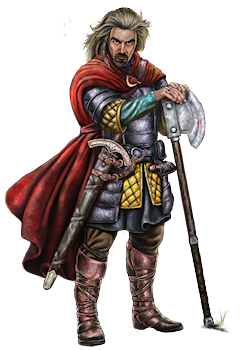
Human Male
Not affiliated with an Alliance
This is just some random text
The code to place the 'cat head' image over my normal avatar:
<img alt="" src="/illystuff.uk/images/snagglepuss2.png" style="left:15px; border:6px solid black; max-width:100%; top:340px; position:fixed; width:249px; height:350px; background-color:white">
Obviously you need to replace the src tag with the URL of your image (it needs to be publicly available).
- Click the Edit Profile button and then scroll down until you see the editor.
- In the editor click the <p>Source button in the editor.
- Scroll down in the editor to the bottom.
- Paste in the code for your image.
- Click the Update Profile button.
- Scroll back up to the very top of the page and choose a different Illy page than Profile.
- Click on your profile page again and check the image is working correctly.
Creating an alternative login for Steam Accounts
A very handy guide on how to be able to log into a steam account in the browser:
https://forum.illyriad.co.uk/creating-an-illyriad-website-login_topic10752_post106621.html#106621

